Grammarly
The easiest upgrade for people who write all day and want cleaner, faster messages everywhere they work.
What it’s for
Use Grammarly to rewrite, shorten, polish, and improve tone in emails, docs, proposals, and posts.
Who should use it
Best for people who live in email, docs, and browser-based writing tools.
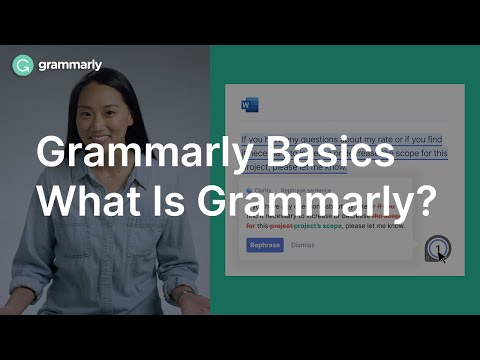
Watch a quick overview
Here is one YouTube video to help you understand what Grammarly does before you click out.
 ▶
▶
One real use case
Rewrite a too-long client email so it sounds clearer, warmer, and more decisive.
Why it made the directory
It adds value inside existing workflows instead of forcing you into a separate AI app.
Watch-outs
It is a writing layer, not a full workflow builder or research engine.
Good first prompt
Rewrite this message so it is concise, confident, and easier to act on.
Prompt maker
Start with the tool's best first prompt, then make it specific to your actual job, audience, and output.
Company snapshot
Grammarly is focused on writing help inside the places people already work, especially email and documents.